
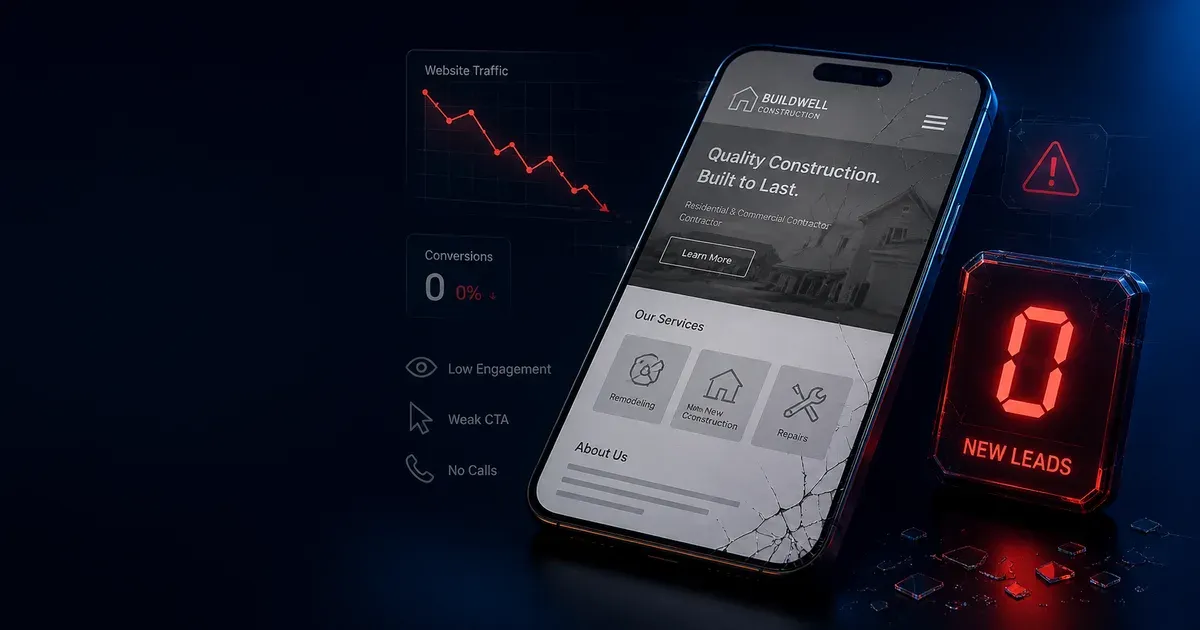

You spent money on a website. You’re getting visitors. But your phone isn’t ringing.
Sound familiar?
Most contractor websites fail because they treat visitors like they’re shopping for entertainment, not solving urgent problems. When someone’s furnace dies in January or their kitchen is flooding, they need help now—not a beautiful portfolio.
Here are 7 changes that turn website visitors into paying customers — updated for 2026, when 82% of home service searches happen on mobile and Google’s AI results have changed what customers see before they ever reach your site.
1. Put Your Phone Number Everywhere (And Make It Huge)
The problem: Your phone number is buried in the footer or contact page.
The solution: Display your phone number prominently in:
- Sticky header (desktop and mobile)
- Hero section
- Floating call button on mobile
- Throughout service pages
- Footer
Make it clickable on mobile devices. When someone taps your number, their phone should start dialing immediately. In 2026, a floating call button on mobile isn’t optional — it’s the single highest-ROI element on a contractor website.
Pro tip: Use a local area code. A (330) or (234) number looks more trustworthy to Mahoning Valley customers than an 800 number or a number from a state away.
2. Lead with Problems, Not Services
Instead of this: “ABC Plumbing offers comprehensive residential and commercial plumbing services…”
Try this: “Emergency plumber available 24/7 when your basement is flooding and you need help NOW.”
Why it works: People don’t buy services—they buy solutions to problems that are costing them time, money, or stress. This framing also helps Google’s AI Overviews cite your content when customers ask questions like “who can fix a burst pipe in Youngstown tonight.”
3. Add Trust Signals Throughout Your Site
Contractors work in people’s homes with expensive equipment. Trust isn’t optional—it’s mandatory.
Essential trust signals:
- Licensed and insured badges (with license numbers)
- Better Business Bureau rating
- Years in business (“Serving the Mahoning Valley since 2015”)
- Real customer photos (not stock photos)
- Actual customer reviews with names and photos
- Professional certifications
- Emergency availability (“Available 24/7”)
These signals matter beyond traditional SEO. Google’s AI results increasingly surface businesses with clear, verifiable trust information — contractors who display license numbers and real customer names are more likely to be cited in AI-generated answers than those who don’t.
4. Use Real Before/After Photos
Stock photos scream “amateur.” Real before/after photos prove you can solve problems.
What to photograph:
- Before: The problem (broken pipe, old water heater, clogged drain)
- After: Your clean, professional solution
- Process: You and your team working professionally
- Your truck/van with clean branding
- Your tools and equipment looking professional
Photo tips:
- Take photos of every job
- Get customer permission to use photos
- Show your face — people hire people, not companies
- Include your company vehicle in some shots
- Add location context in the filename and alt text (“water-heater-replacement-boardman-oh.webp”) — this is a minor but consistent local SEO signal
5. Create Urgency Without Being Pushy
Plumbing, HVAC, and electrical problems are urgent by nature. Your website should reflect that.
Urgency phrases that work:
- “Same-day service available”
- “Emergency response within 2 hours”
- “Available 24/7, including weekends”
- “No overtime charges for emergencies”
- “Dispatch truck rolling to your location”
Add real-time elements:
- “Next available appointment: Today at 3:30 PM”
- “Emergency line: Call now for immediate dispatch”
The contractors generating the most calls from their websites in Youngstown, Warren, and Boardman aren’t necessarily the ones with the nicest designs — they’re the ones whose sites make it immediately obvious they’re available and ready to help.
6. Make Contact Forms Shorter and Easier
Long contact forms kill conversions. When someone needs emergency service, they don’t want to fill out a survey.
Essential form fields only:
- Name
- Phone number
- Brief description of problem
- Preferred contact time (optional)
Pro tip: Make phone number the first field. If they start typing their number, they’re already mentally committing to being contacted.
Form length research from CXL’s conversion research consistently shows that shorter forms — three fields or fewer — dramatically outperform longer ones for service businesses. For emergency trades where urgency is the primary emotion, every extra field is a reason to abandon the form and call your competitor instead.
Consider progressive disclosure: Show only Name and Phone Number initially. If the user engages (starts typing), reveal an optional “Describe your problem” field. This technique captures the most committed leads first while giving motivated customers a way to provide context — without asking everyone to jump through hoops before you’ve earned their trust.
7. Add Social Proof to Every Page
Reviews build trust, but displaying them strategically builds confidence.
Where to show reviews:
- Homepage hero section: “4.9 stars from 127+ happy customers”
- Service pages: Reviews specific to that service
- Contact page: “See why [your city] trusts us with their plumbing”
- About page: Reviews mentioning your team by name
Review display tips:
- Use customer names and photos when possible
- Include specific details (“fixed our water heater in 2 hours”)
- Show variety in problems solved
- Update regularly — Google’s local ranking algorithm rewards review recency, not just volume
The One Thing That Matters Most
Here’s the truth: All these changes mean nothing if your website doesn’t load fast and pass Core Web Vitals.
82% of your potential customers are browsing on phones. If your site takes more than 2.5 seconds to load (Google’s LCP threshold), or if buttons and links shift around while the page loads (CLS), Google actively suppresses your rankings relative to faster competitors. In 2026, Core Web Vitals are a direct local ranking factor, not just a nice-to-have. Google’s Core Web Vitals documentation defines the exact thresholds: LCP under 2.5 seconds, CLS under 0.1, and INP under 200ms — these are the numbers your site needs to hit to be considered fast by Google’s standards.
Quick mobile test:
- Pull out your phone
- Search for your business
- Click on your website
- Try to find your phone number
- Try to call you
If any step feels slow or frustrating, fix it before implementing anything else.
AEO and Voice Search: The Next Conversion Layer
Core Web Vitals get your site ranked. Answer Engine Optimization (AEO) gets your content cited in the places customers are increasingly looking first.
In 2026, contractor searches don’t always start with typing. Voice queries (“Hey Google, find a plumber near me”) and Google AI Overviews are now part of how customers discover home service providers — especially for emergency situations where they’re looking for an immediate answer, not a list of ten options to browse.
The same structural improvements that help your Core Web Vitals score also help you get surfaced here. But there’s one addition that pays disproportionate dividends: a FAQ section on your service pages with FAQPage schema markup.
A FAQ section structured with JSON-LD FAQPage schema serves four purposes simultaneously:
- It surfaces in Google’s FAQ rich results (expandable Q&As beneath your organic listing)
- It’s the content type AI Overviews most frequently pull from for local contractor queries
- It directly answers the voice search queries customers are using
- It increases time-on-page and scroll depth — both behavioral signals Google uses for quality assessment
The five questions worth answering on every contractor service page:
- “How much does [service] cost in [city]?”
- “How fast can you get here for an emergency?”
- “Are you licensed and insured in Ohio?”
- “Do you charge extra for nights and weekends?”
- “What areas do you serve?”
These aren’t creative choices — they’re the literal queries customers type and speak when they’re deciding whether to call. Contractors who answer them directly, in structured markup, earn the citation. Contractors who don’t leave it to whoever does.
Where to Focus First by Market
The right conversion priorities shift slightly depending on your market. Contractors in high-income areas like Canfield and Boardman see outsized returns from trust signals and before/after photo galleries — customers there are choosing quality over price. Contractors in Niles and Warren tend to benefit most from urgency messaging and availability signals, where fast response time is the primary differentiator. Smaller markets like Cortland and Salem have so little local digital competition that any of these changes will produce measurable results quickly.
The root cause behind most of these conversion problems is a mindset gap, not a technical one — why 90% of contractors fail at online marketing explains the patterns in detail. And once your site converts, your next priority is getting into the Google Map Pack, where the majority of contractor calls actually originate.
Ready to Turn Your Website Into a Lead Machine?
These changes work, but they work best when implemented together as a complete system. Each element supports the others to create a website that actually generates phone calls.
Want help implementing these strategies? Get a free audit of your current website and discover exactly what’s preventing visitors from becoming customers.
Apply This to Your Business
Know Where You Actually Stand
We audit contractor websites for free — and we'll tell you exactly which of these strategies applies to your business. No pitch. Just findings.
Get Free Audit →